🧾
Smart Billing
Use Android, Windows or web billing with products, customers, barcode scanning and receipt printing.
Bill customers free on Android, Windows and the web. Run restaurant KOT, publish products online, manage staff and upgrade only when you need cloud sync, dashboards and advanced reports.
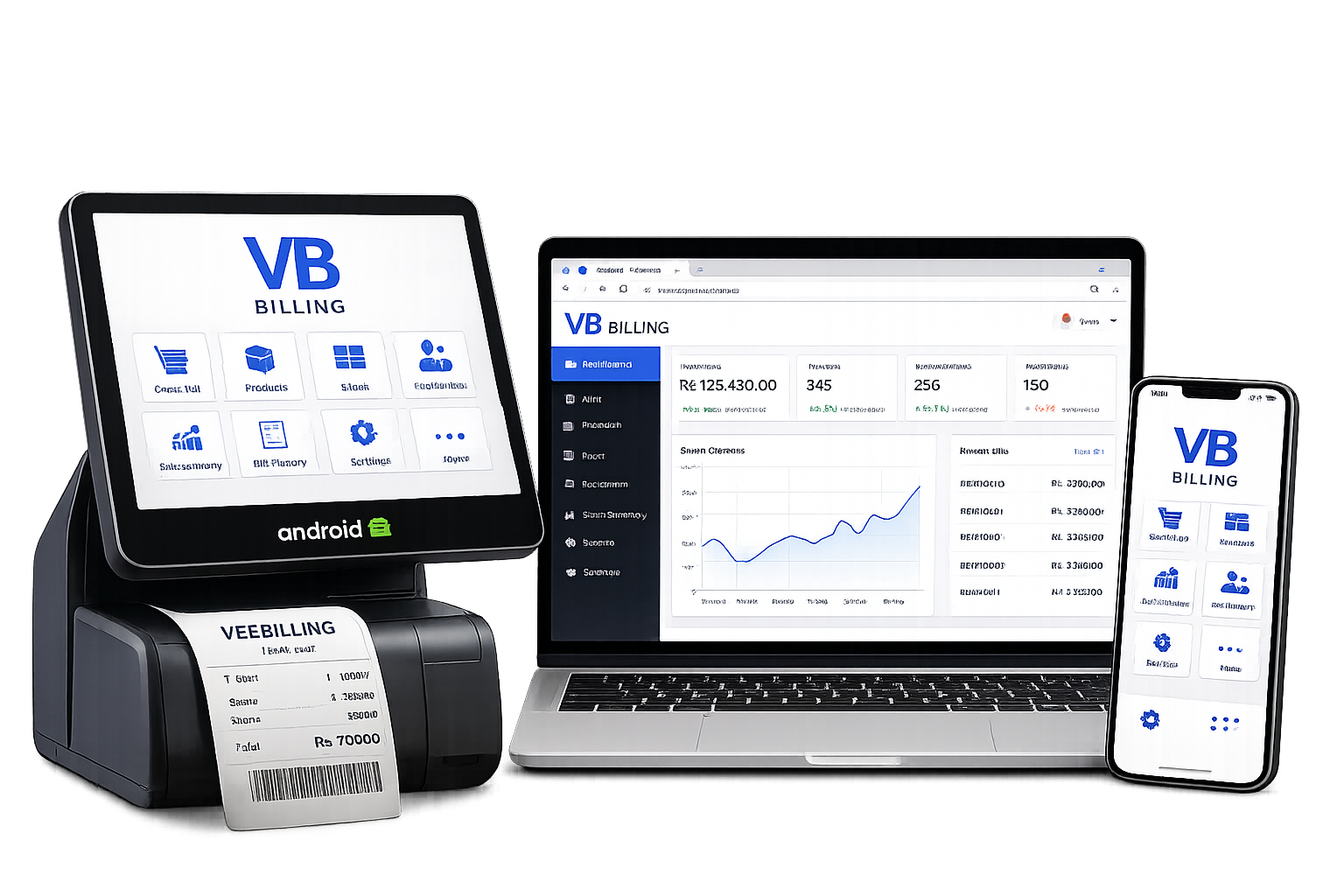
Start free, use the tools you need and upgrade without changing software.
Use Android, Windows or web billing with products, customers, barcode scanning and receipt printing.
Create table, takeaway and delivery orders and print kitchen order tickets without a separate KOT fee.
Every shop receives an online storefront. The free plan can publish up to 10 products or food items.
Premium plans synchronize products, stock, bills and settings securely across approved devices.
View shop-wise sales, profit, stock, products, staff, devices and online orders from anywhere.
Owners create manager, cashier and Growth-plan storekeeper accounts and control what each worker can view or change.
Register securely using Firebase Authentication and verify your email address.
Add the shop name, logo, contact details, currency and business type.
Create products, categories, managers and cashiers with the permissions you choose.
Use Android, Windows or web billing. Restaurants can also use KOT for free.
Publish 10 free listings, receive orders and upgrade when your business needs more control.
We also sell compatible Android billing machines and complete counter setups. Contact us to check current models, prices and availability.
Product information is updated from the V Billing administrator page. Contact us on WhatsApp to place an order.
Interested in a device or need help choosing one?
WhatsApp 071 610 6625Choose the device that fits your counter, mobile work or browser-based operation.
Download the Android application for mobile billing, Bluetooth receipt printing and KOT.
APK link not availableDownload V Billing for desktop counters, barcode scanners and thermal printers.
Windows link not availableCreate an owner account online. This link is controlled from the administrator panel.
Create-account link not availableInstall or update V Billing securely from Google Play when the listing is available.
Play Store link not availableSee how owners, managers and cashiers work together to manage shops, bills, products, employees, stock, devices and reports.
The owner has complete control of their business and can monitor every shop from one account.
A manager operates the assigned shop and supervises daily staff activity.
A cashier focuses on fast customer billing and their own daily work.
The administrator manages the complete V Billing platform.
One owner can manage one or many shops. Each shop can have its own name, address, phone number, products, stock, employees, bills, printers, till records and reports.
Every bill records the bill number, date, time, shop, cashier, customer, products, quantities, discounts and final amount. After completion, stock reduces automatically and the receipt can print immediately.
Products can contain a name, barcode, selling price, buying price, category, quantity, shop and last update time. Owners and managers can update products while cashiers can sell them.
Customer records can include name, phone, email, loyalty points and purchase history. Searching by phone number can load the existing customer and help prevent duplicate records.
Cashiers see their own work, managers see their assigned shop, and owners can see all shops and combined business totals.
V Billing supports Bluetooth, USB, Windows-installed and built-in POS receipt printers. Restaurants can use the same or a separate KOT printer. Barcode input can use USB scanners, Bluetooth HID scanners or a camera.
Firebase can synchronise authorised Android, Windows and web devices. Product, stock, bill, customer and setting changes can be shared across approved devices. Owners can view device names, assigned shops, last activity, sync status and active status.
Every user receives only the permissions required for their job. The owner has full business access, a manager controls assigned shops, and a cashier receives billing-focused access.
Plans, prices, payment options, limits and availability are managed live from the V Billing administrator portal.
Important information about billing, devices, cloud sync and support.
Yes. Each plan can offer monthly, yearly and one-time permanent payment. Only the payment options currently enabled by the administrator are shown above.
Yes. You can use the platform that suits your counter. Premium plans can synchronise approved devices using Firebase cloud services.
Yes. Multi-shop plans allow owners to separate shops, employees, stock and reports while viewing combined business totals.
V Billing supports compatible Bluetooth, USB and Windows-installed receipt printers, KOT printers and common barcode scanners.
Contact V Billing by WhatsApp on +94 71 610 6625 or email thevbilling@gmail.com.
Designed for real counters, restaurant kitchens and owners who need control from anywhere.
“A practical billing system for shops that need simple daily billing and better stock control.”
Retail business use case“Restaurant KOT, cashier access and owner reports are available in one connected system.”
Restaurant use case“The multi-shop structure makes it easier to separate staff, products and reports by location.”
Growing business use caseStart billing free, publish your first 10 products and upgrade only when you need premium management tools.
Contact V Billing for app support, account help, billing-machine prices and product availability.